
Know what is safe to spend. Before payday.
Purser is a money app for iPhone and iPad. It reads every account, shows what is safe to spend before payday, and never moves money.
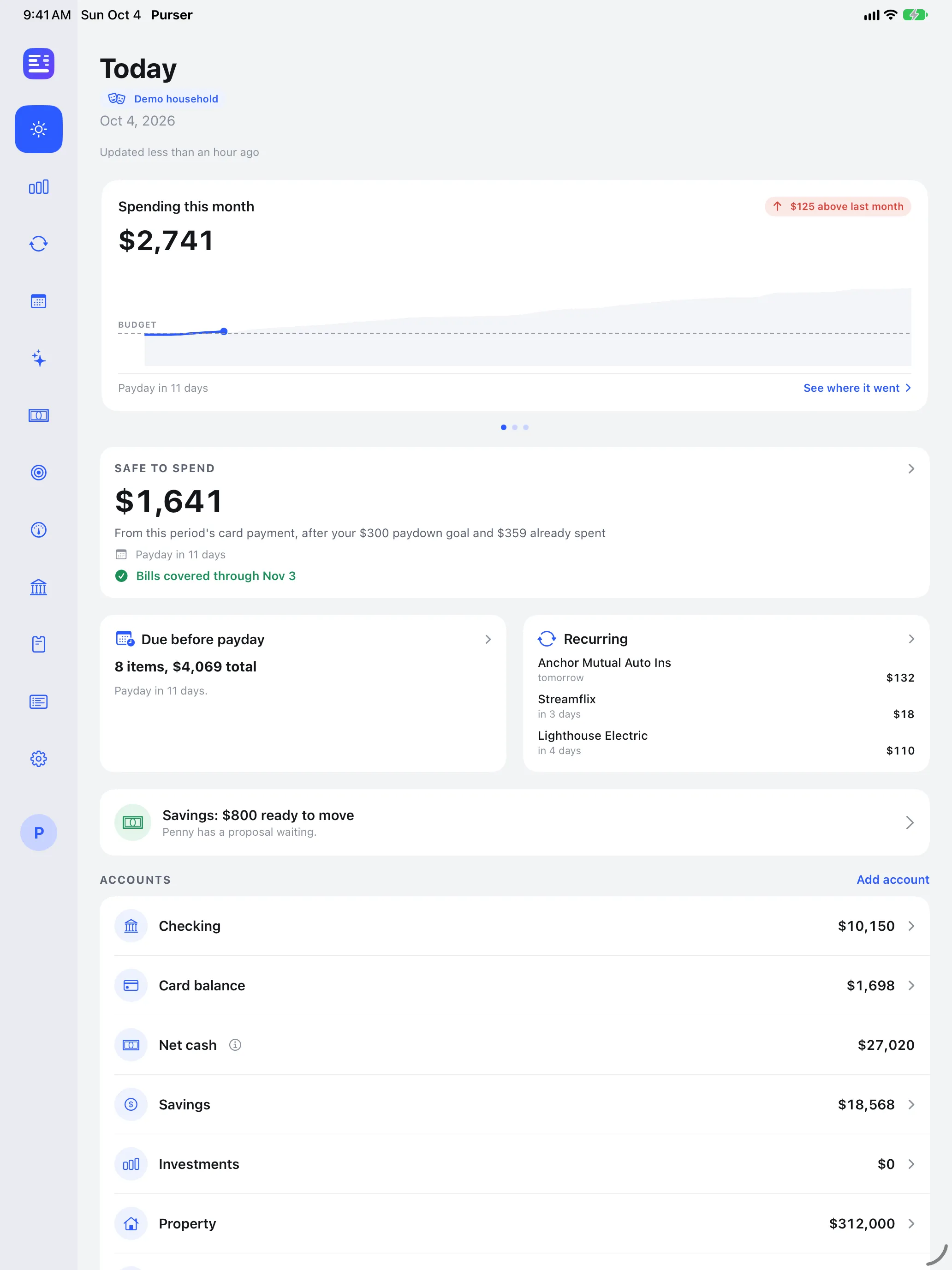
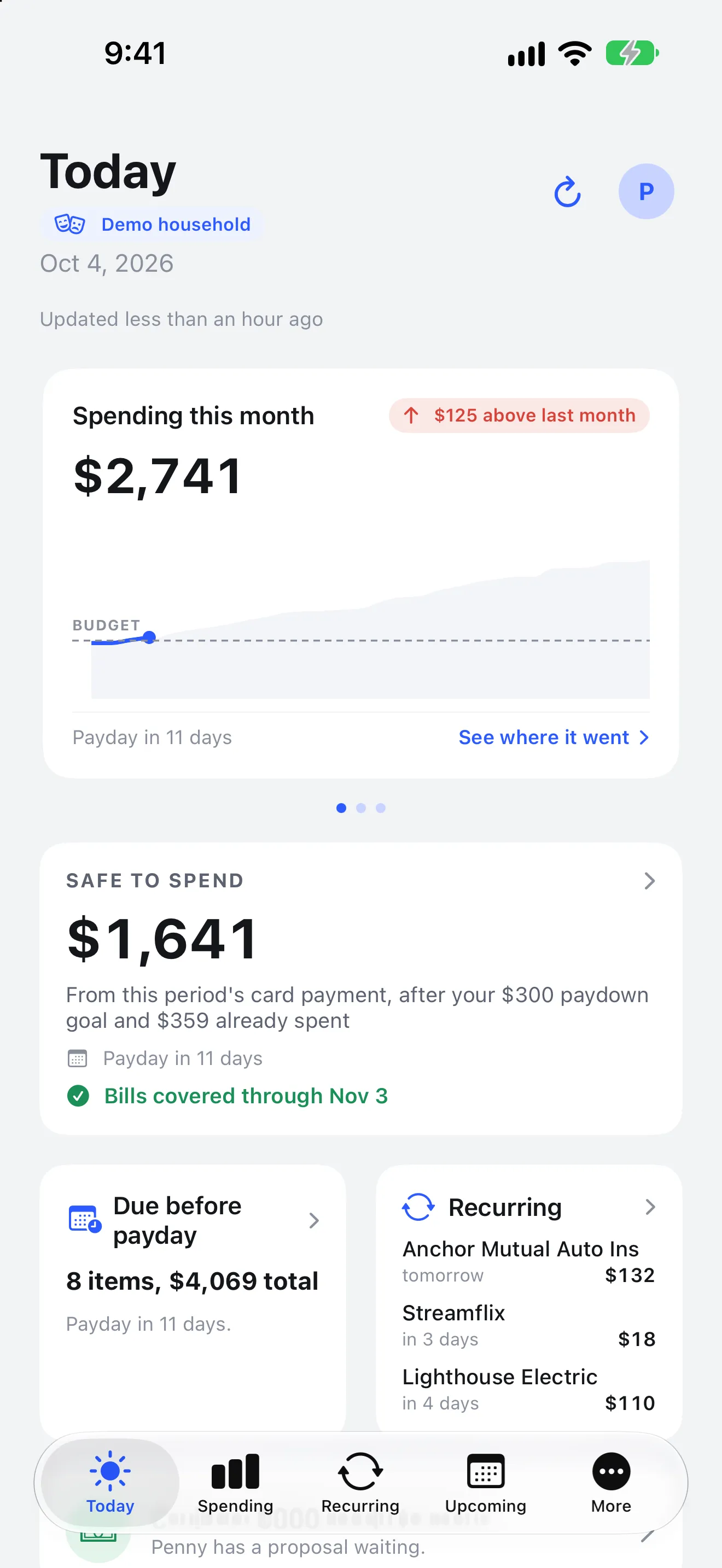
The questions people actually ask about money.
What is safe to spend until payday, what is due before then, whether the bills are covered, and where the money went. Purser answers each one from the accounts you connect.
Every account in one place
Checking, savings, cards, loans and property, with balances over time.
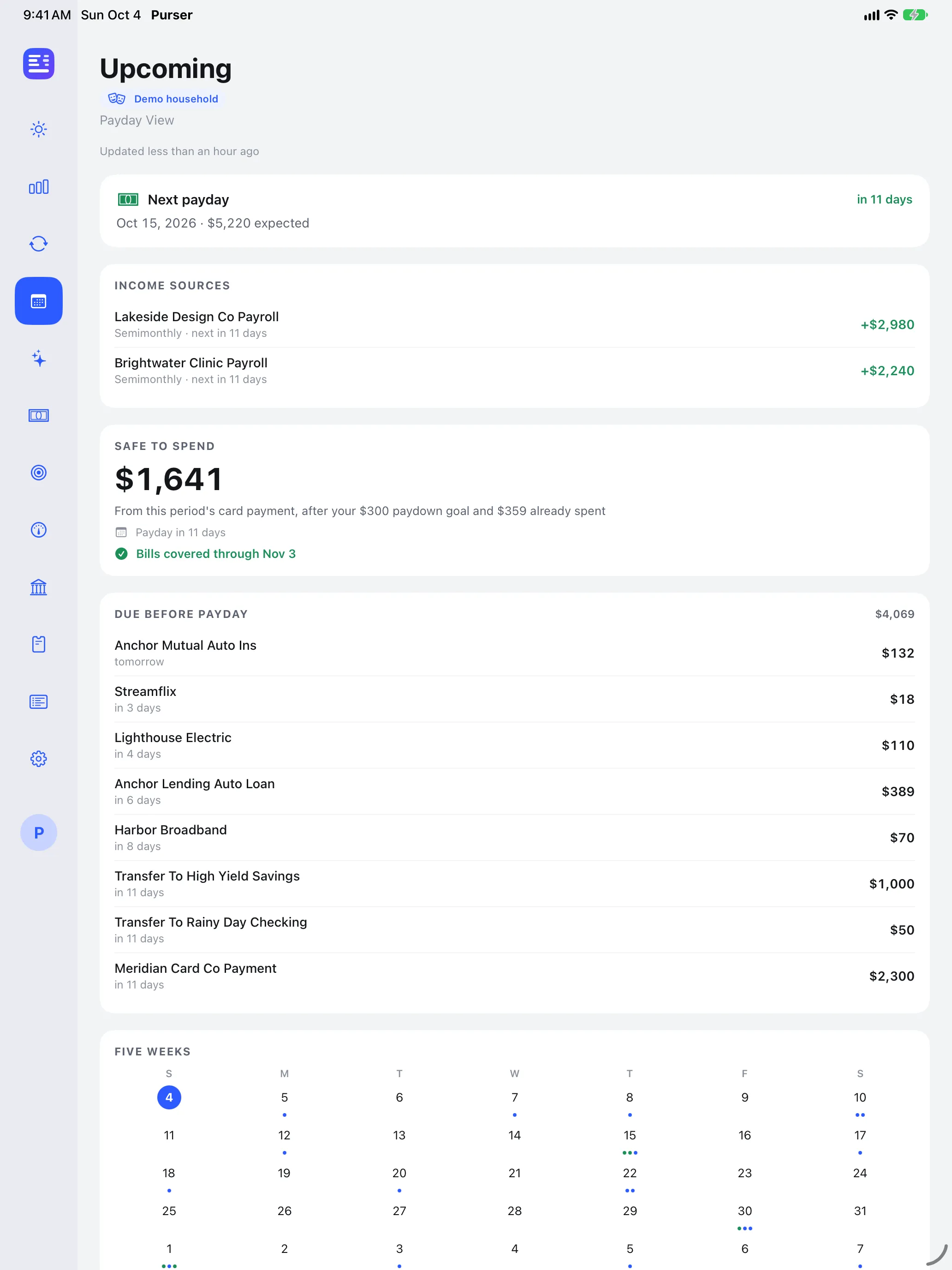
Safe to spend before payday
One number, counted against the card bills and recurring charges due before the next payday.
Recurring bills, found
Subscriptions and bills are detected from history, with a warning before an account runs short.
Spending you can read
By category and by merchant, with simple rules for filing new purchases.
Penny, the built-in advisor
Ask a question about your own numbers and get a plain answer.
Apple Wallet from a screenshot
Share a screenshot of a Wallet card on your iPhone and Purser reads the balance from it.
Actual product. Demo data.
Every image here is the real app, captured on demo data. They are shown in the light theme; every screen also ships in a designed dark theme.
iPhone
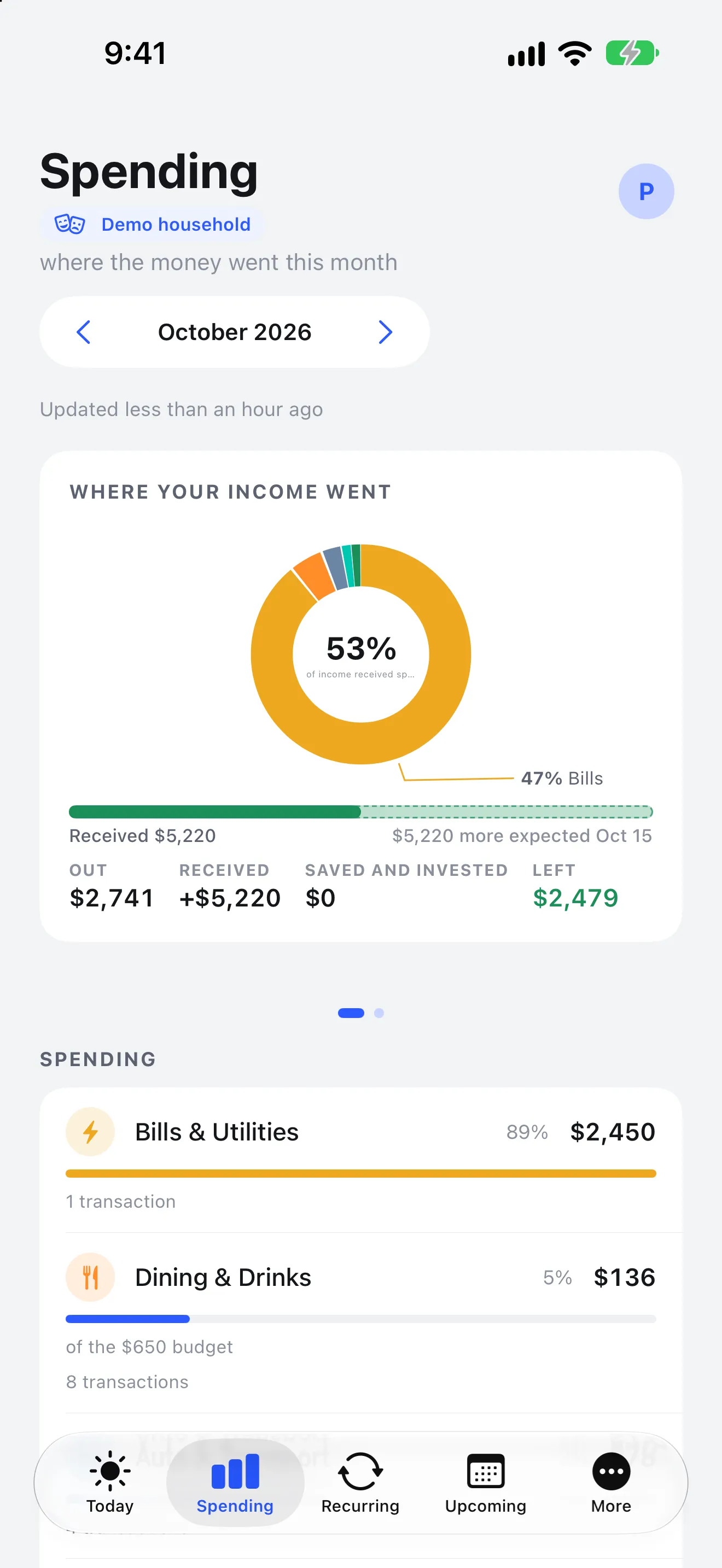
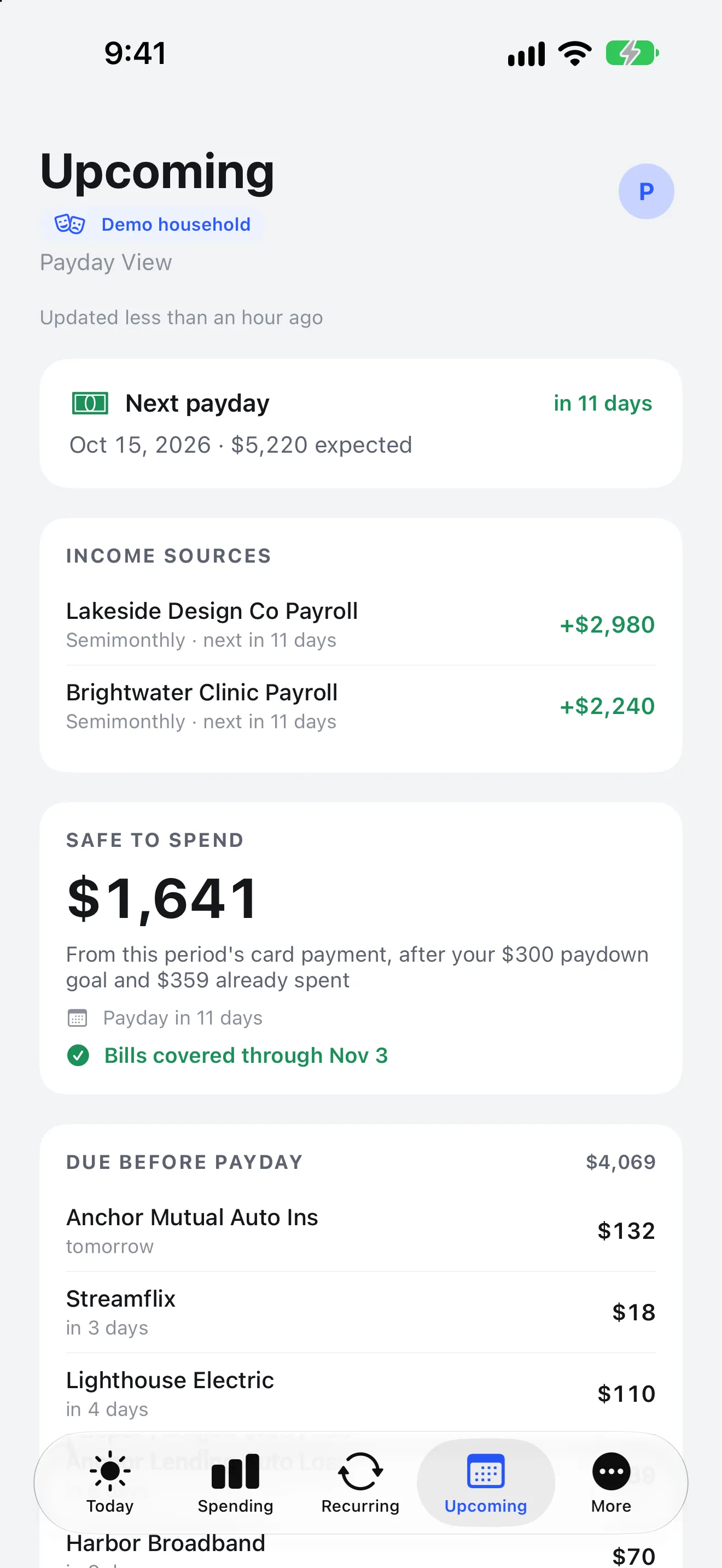
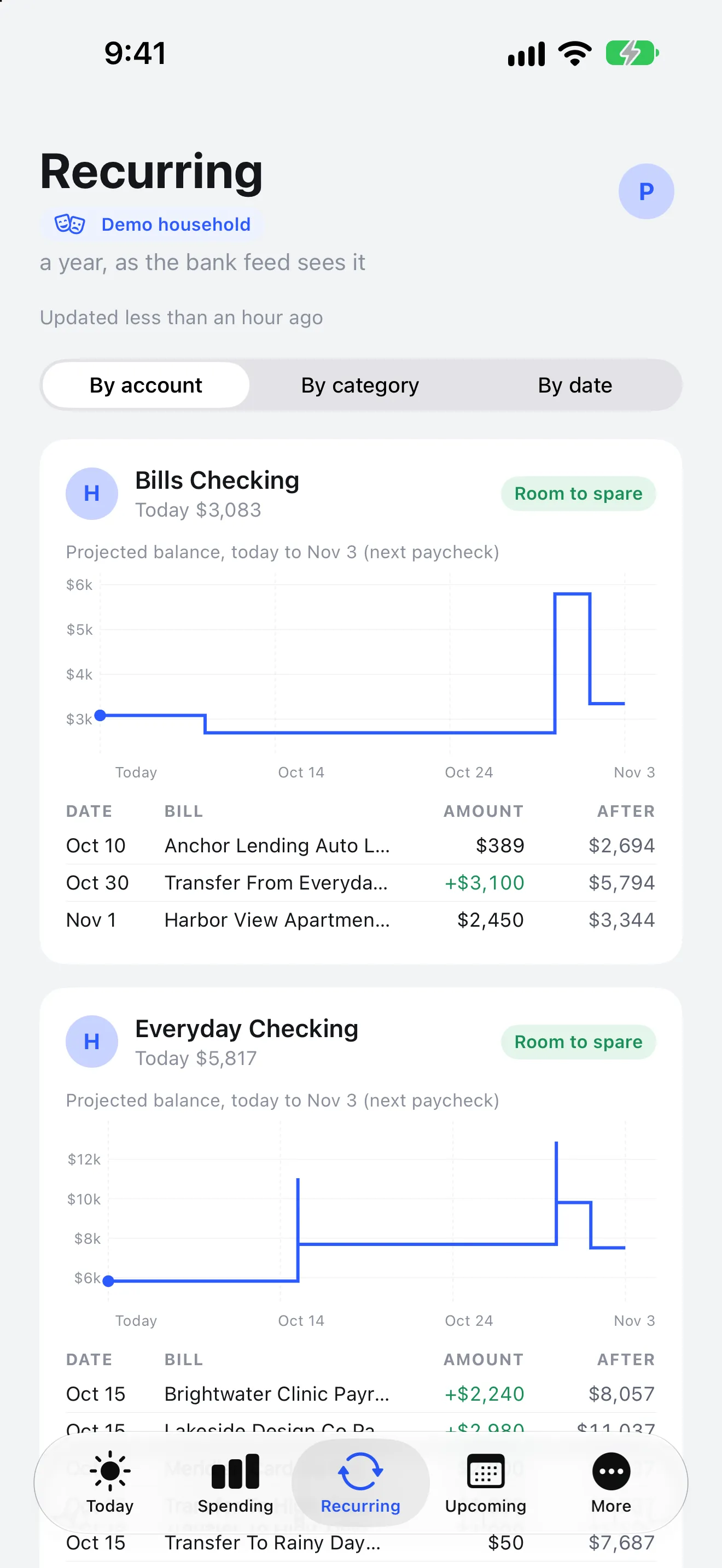
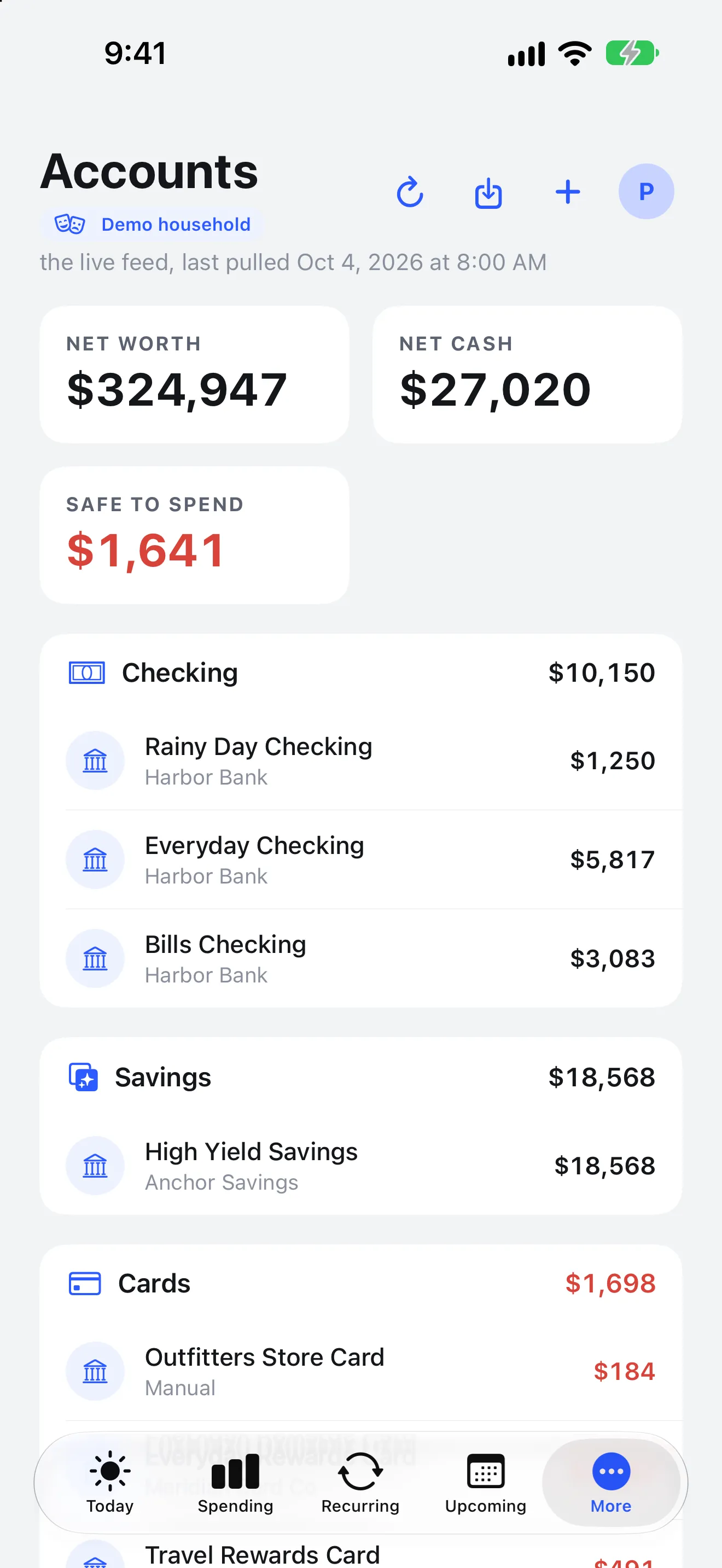
iPad
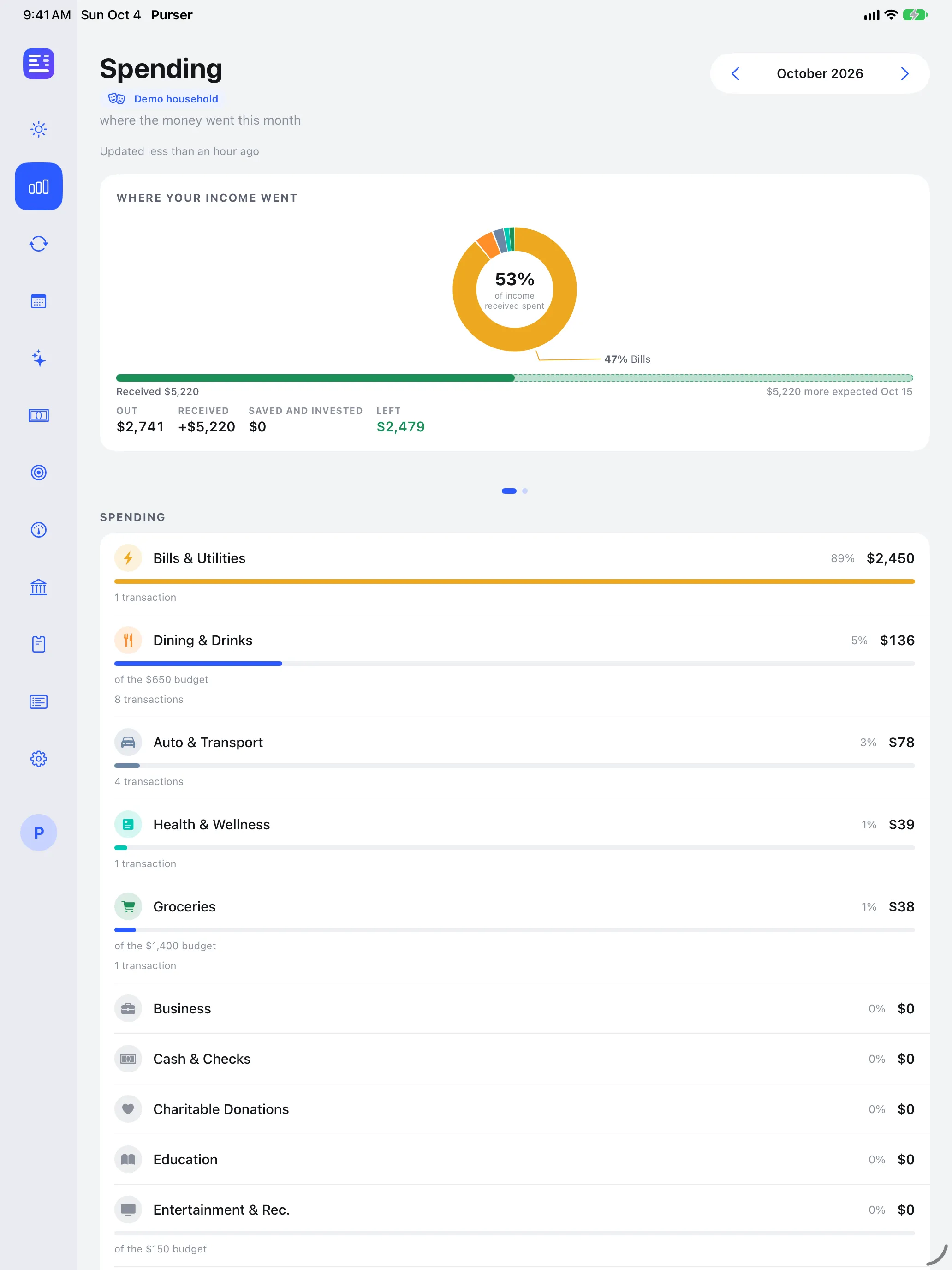
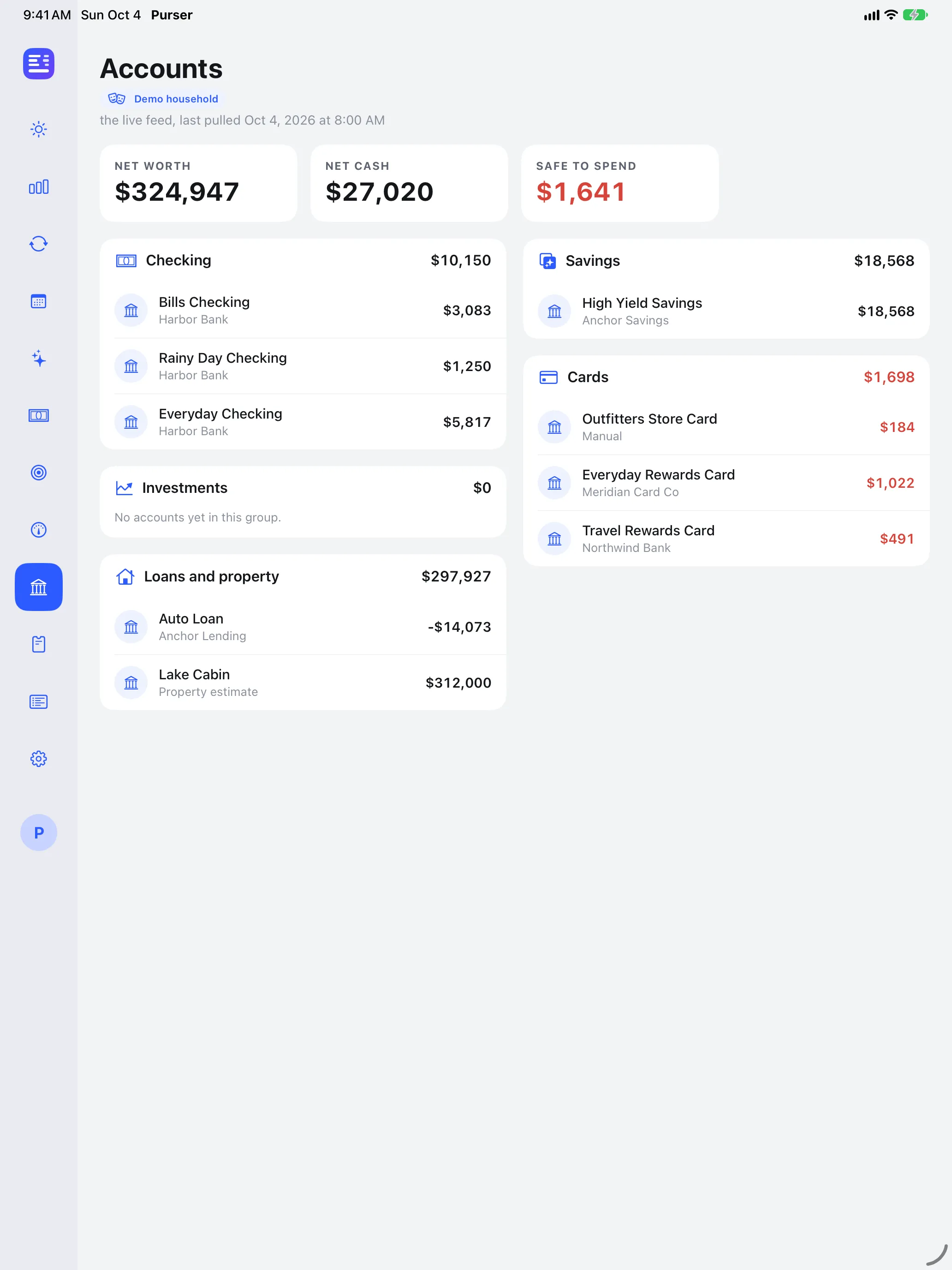
Not a checking balance. A budget for this pay period.
Purser is built for a simple way of paying: pay lands in checking, most of it goes onto one credit card, and you spend on that card until the next payday. So the honest number is not what checking holds. It is what that card payment bought, less what is already spoken for.
- 01
Find the pay period
Purser learns when your pay lands and treats the time from one payday to the day before the next as the period.
- 02
Start from the card payment
The money you paid onto your spending card this period is what you have to spend. A payment seen from both the bank and the card is counted once.
- 03
Take away what is spoken for
Your paydown goal, what you have already charged on your personal cards this period, and the recurring charges still due before payday.
- 04
Never more than the card allows
The answer is capped at the credit left on the card, and it says so in plain words when that is the limit.
- 05
Say when unsure
Before this period's card payment lands, Purser says it is waiting. If a card's feed stops updating, it says the number may be too high.
It reads. That is all.
It never moves money
Purser cannot pay, transfer or move funds. Every payment stays in your bank's own app.
Your data stays yours
Your numbers are never sold or shared, and they are used only to show you your own finances.
Penny asks only when you do
When you ask Penny a question, a short, rounded summary of your figures is sent to Anthropic's Claude to write the answer. Nothing is sent unless you ask.
One app, sized for each.
On iPad, Purser opens into a sidebar with room for every detail. On iPhone, the same screens sit behind a tab bar you can reach with one thumb. Both read from the same accounts, and both are designed in light and dark.
1.0 in App Store review
Version 1.0 has been submitted to Apple for review.